Tutorial: Katana
This tutorial explains the current Katana sample, which now lives in Assets/Samples/com.cydream.katana and is implemented in TypeScript.
Step 1: Import the katana model
Create or import a .vox katana model, then generate a prefab with the voxel import tools.
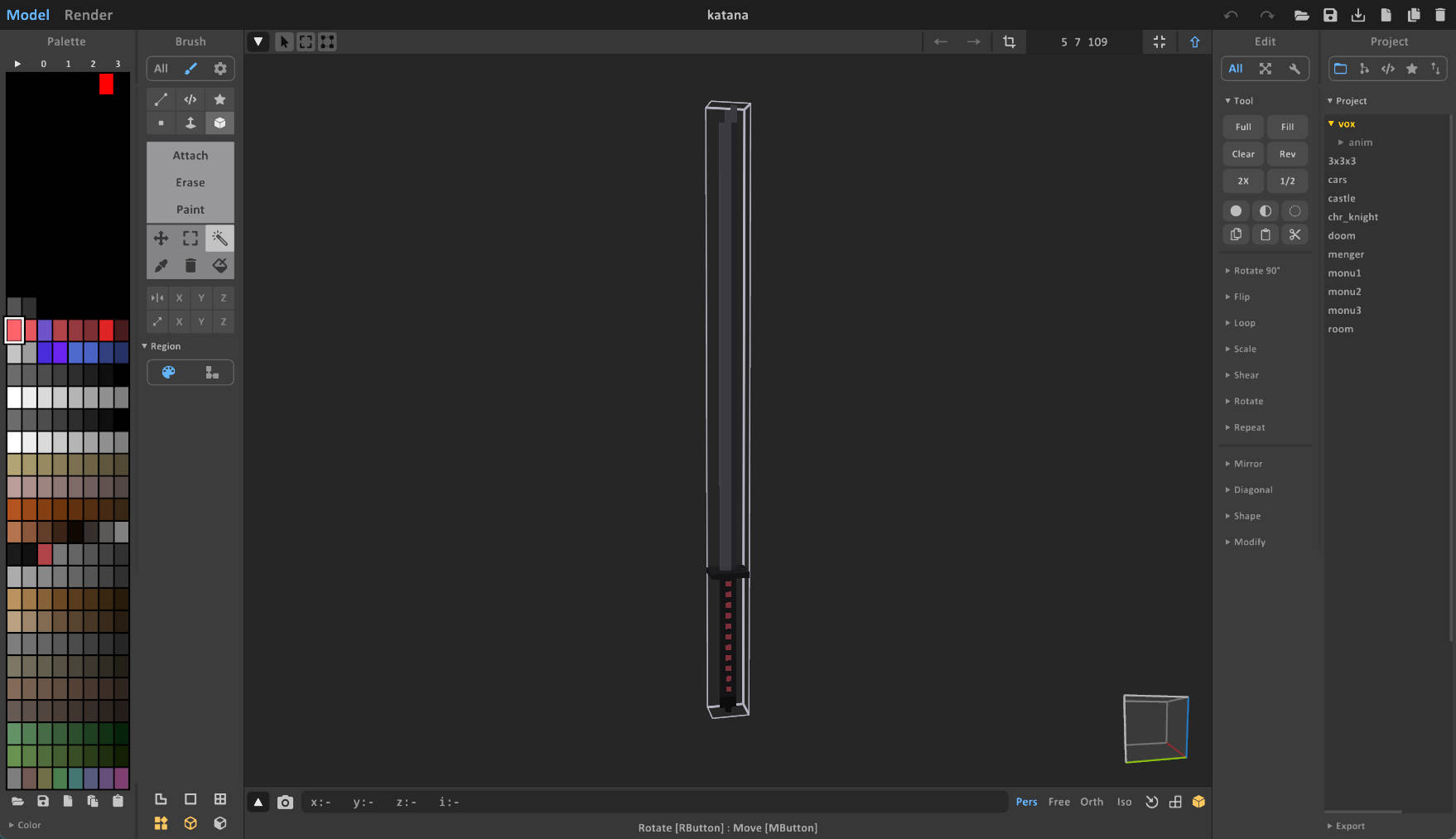
The generated prefab becomes the visual base for the weapon.
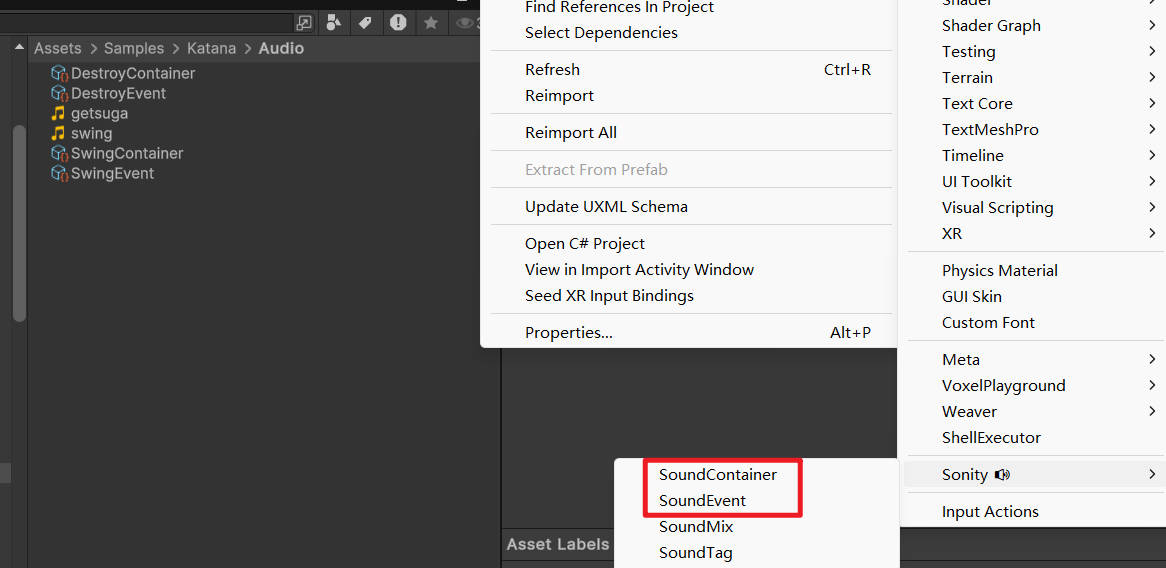
Step 2: Prepare audio
The sample katana reads sound references from JsProperties, so import and configure the Sonity assets you want to use for:
- Swing start.
- Successful destruction / slice feedback.
Step 3: Add the TypeScript component
The current sample does not use a custom EntityKatana.cs MonoBehaviour. Instead:
- Export
KatanafromScripts/index.ts. - Add
JsComponentProxyto the katana prefab. - Set the proxy class name to
Katana. - Keep the built-in weapon component (
EntityFirableWeapon) on the prefab. - Add
JsPropertiesentries forswingSoundEventanddestroySoundEvent.
The Katana class resolves the built-in weapon component and registers trigger listeners through ModAPI.
Step 4: Prefab hierarchy requirements
The TypeScript sample expects:
- A child transform named
Tipat the end of the blade, used to record the swing path. - A
LineRendererin the prefab hierarchy, used to display the active slash trail. - A valid camera in the scene, because the cut logic converts the swing into screen-space cuts.
If Tip is missing, the script falls back to the root transform, which makes slicing much less accurate.
Step 5: How the script works
The implementation in Scripts/katana.ts handles the entire slice mechanic from TypeScript:
- It records
Tippositions while the trigger is held. - It updates the
LineRendererduring the swing. - On trigger release, it sweeps through the swing path with
PxPhysics.OverlapBoxNonAlloc. - For each hit voxel chunk, it calls the mod API wrapper that clears a screen-space line in the voxel volume.
Representative setup:
export class Katana {
private bindTo: VX.Mod.JsComponentProxy;
private weapon: VX.Entity.EntityFirableWeapon;
constructor(bindTo: VX.Mod.JsComponentProxy) {
this.bindTo = bindTo;
this.weapon = bindTo.GetComponent(
puerts.$typeof(VX.Entity.EntityFirableWeapon)
) as VX.Entity.EntityFirableWeapon;
VX.Mod.ModAPI.AddWeaponTriggerPressedListener(
this.weapon,
() => this.onTriggerPressed()
);
}
}
The important migration point is that the gameplay behavior is no longer authored as a custom C# subclass. The prefab keeps its standard engine-side weapon component and TypeScript layers the custom cut behavior on top.
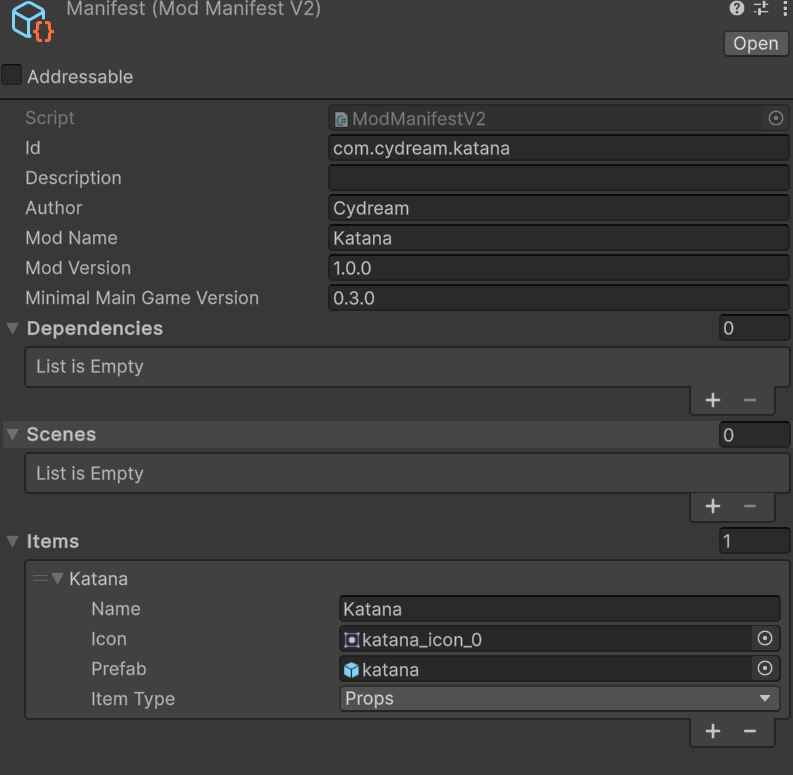
Step 6: Configure the manifest
Open manifest.asset and add the katana prefab to Export Prefabs.
Step 7: Test and publish
Lint the mod before exporting:
npm run lint:mod -- com.cydream.katana
Then verify the slice trail, hit detection, and sound bindings in-game: